Nexus仓库搭建记录
https://www.sonatype.com/products/nexus-community-edition-download

1 | # 在服务器上解压 |
配置域名与 SSL 证书, 我用的是 Kubernetes 的 ingress 做的反代(为了统一维护 ssl 证书),也可以使用 nginx 来做反代。
1 | kind: Endpoints |
Default Secret Encryption Key 警告问题:
1 | Nexus was not configured with an encryption key and is using the Default key |
本博客所有文章除特别声明外,均采用 CC BY-NC-SA 4.0 许可协议。转载请注明来源 杂烩饭!
相关推荐

2026-09-15
docker官方私有仓库registry部署与使用
一般来说大家用容器镜像都选择 harbor,有个管理界面,还支持权限控制、漏洞扫描等,但是我公司有个客户的环境只允许通过跳板机登录 Linux 机器,没法使用浏览器,另外也只是需要一个简单一点的、好维护的仓库,找了一下,这个比较简单。如果需要更专业的私有镜像仓库,可以选择 harbor(免费)或者 jFrog 家的(收费) 自签名证书 docker 信任证书将文件复制到每个 Docker 上 主机。您无需重新启动 Docker。 如果更换了默认端口,这里的文件夹也要加上端口,比如 /etc/docker/certs.d/hub.i.com:8000/ 部署服务 常用的 API假设镜像名为:hub.i.com/iuxt/test:latest 垃圾回收在 Docker Registry 配置文件 config.yml 中,启用删除功能: 执行垃圾回收操作 附:自签证书以及配置 OS 信任 CA 证书:制作和使用自签名证书快速签发证书小工具:https://github.com/iuxt/my_cert

2026-09-15
自建dns解析服务bind9
安装 我是 AlmaLinux 9 安装的是 9.16.23 版本 修改主配置文件修改监听地址默认监听地址为 127.0.0.1 需要对外提供服务,修改监听地址,可以改成本机内网 ip,也可以直接修改成 any, 表示任意接口都监听。 vim /etc/named.conf 去掉默认配置vim /etc/named.conf 下面这几行配置我是直接注释掉的 增加 zone 配置放在 /etc/named.conf 文件最后面 zone 配置vim /var/named/i.com 说明: TTL 生存周期 IN SOA 授权信息开始 ns1.i.com. dns 区域的地址 admin.i.com. 域名管理员邮箱(不要用@符号) 10.0.0.30 10.0.0.35 这时两个 dns 服务器的 ip 地址 a 表示 a.i.com 解析到 9.9.9.9 反向解析配置vim /var/named/i.loopback 说明:反向解析 记录 ip 也是反写的, 2.0.0 表示 0.0.2 ,完整的 ip 就是 10.0.0.2 在 /etc/name...

2025-03-13
使用 Docker 搭建集群版 Elasticsearch 学习环境
一般来说,学习 ES 都是自己先搭建几台虚拟机,然后在虚拟机里部署 ES 集群,这样做资源消耗比较大,一般的电脑都没有这么高的配置,我们可以使用 Docker 来快速部署一套 Elasticsearch 集群,这里以 3 节点集群为例: 准备 Docker 网络集群节点之间是通过 ip 进行交互的,所以需要固定一下 ip,固定 ip 之前需要先创建一个 Docker 私有网络,并固定网段 (网段不要和你的内网冲突) 集群版 Elasticsearch 需要生成证书默认生成 3 年证书,我指定生成了 100 年的证书, 生成到了 certs 目录下。 指定 IP 运行容器我这里将数据持久化到了 docker 卷中,通过 docker volume ls 可以查看。 elasticsearch1 elasticsearch2 elasticsearch3 初始化密码需要等待服务启动后才可设置初始化密码,命令只能生成一次。 部署 kibana准备 kibana.yml密码按照实际情况修改 准备 kibana.sh
2025-10-13
使用 Docker 搭建单节点 Elasticsearch 学习环境
一般来说,学习 ES 都是自己先搭建几台虚拟机,然后在虚拟机里部署 ES 集群,这样做资源消耗比较大,一般的电脑都没有这么高的配置,我们可以使用 Docker 来快速部署 Elasticsearch,这里搭建单节点: 启动 Elasticsearch 初始化密码需要等待服务启动后才可设置初始化密码,命令只能生成一次。 部署 kibana准备 kibana.yml密码按照实际情况修改 准备 kibana.sh
2026-07-25
定制Windows系统镜像iso
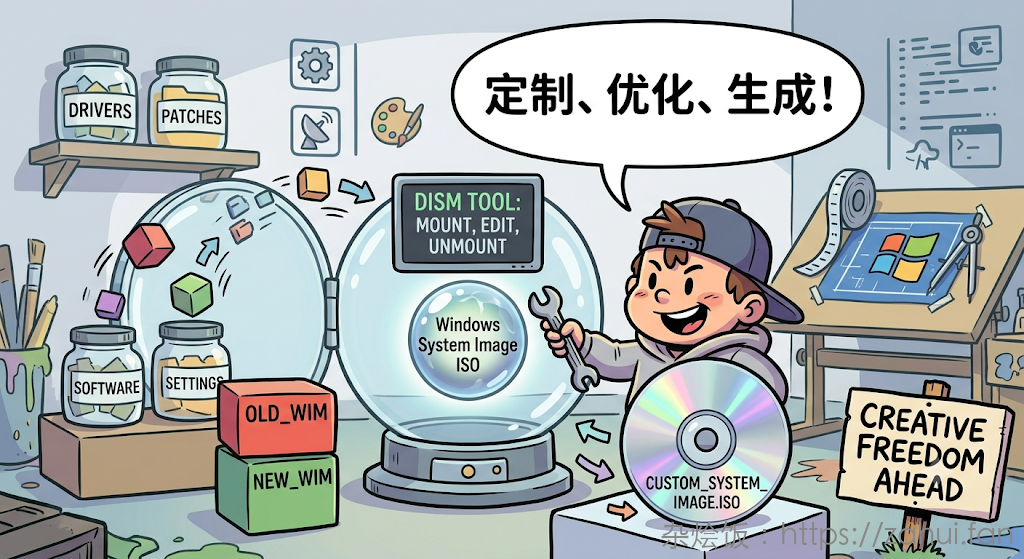
从 iso 文件中提取出 install.wim 文件 dism 解压 wim 文件到一个干净的 ntfs 分区或文件夹里 查看 wim 的 index id 挂载镜像到一个空目录 安装 Windows 更新补丁 ⚠️ 如果忘记执行 /Commit,所有更改都会丢失。如果只想丢弃更改并卸载,则使用 /Discard 替代 /Commit。 清理冗余更新 安装 winappx 软件包 其他常用命令 制作成 iso 镜像

2026-04-30
harbor接入外部trivy镜像漏洞扫描
harbor 接入 trivy 漏洞扫描, 用到的开源工具 harbor-scanner-trivy 安装需要依赖 Redis, 先安装 Redis 安装 trivytrivy 是扫描核心组件, 需要安装,参考 trivy 官网安装文档 https://aquasecurity.github.io/trivy/v0.41/getting-started/installation/ trivy 首次运行会从 github 下载漏洞数据库,需要确保机器可以连接 GitHub,执行 trivy image --download-db-only 会下载 db,db 数据存储在 ~/.cache/trivy 安装 scanner-trivy开源地址:https://github.com/aquasecurity/harbor-scanner-trivy scanner-trivy 是通过环境变量读取配置 启动命令: 或者通过 supervisor 运行 在 Harbor 里使用harbor 系统管理 审查服务 扫描器 里面添加 trivy 地址: 然后就可以正常扫描镜像了 ...
公告
此博客为我记录运维工作总结所用,供网友阅读参考,如有侵权,请通知我,我会核实后进行处理。
欢迎加博主微信,进微信运维技术交流群: